
Event Tracker keeps the dates that matter in sight
Deadlines, anniversaries, trips, renewals: one organized list, smart reminders, and widgets where you already look.
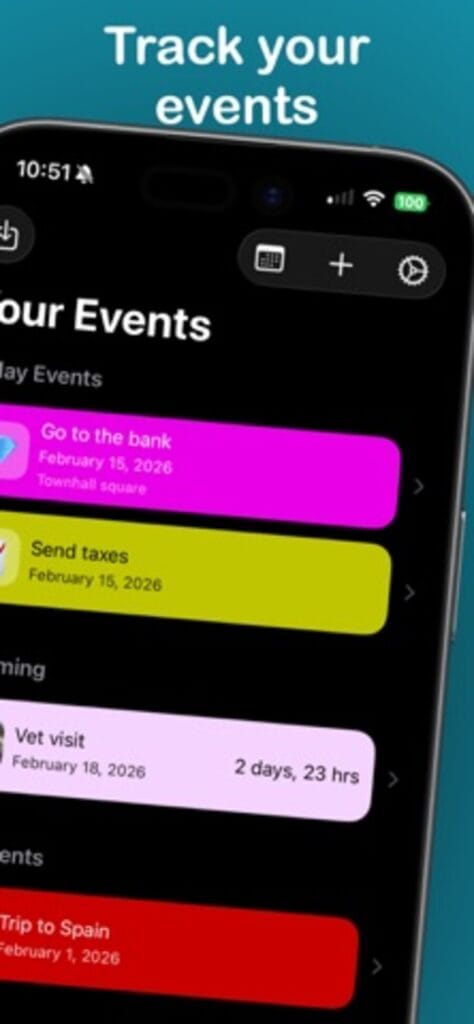
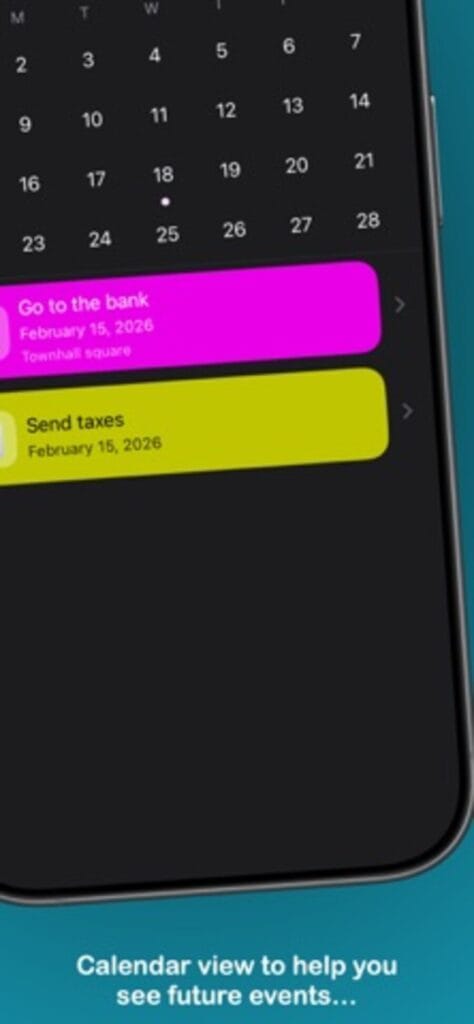
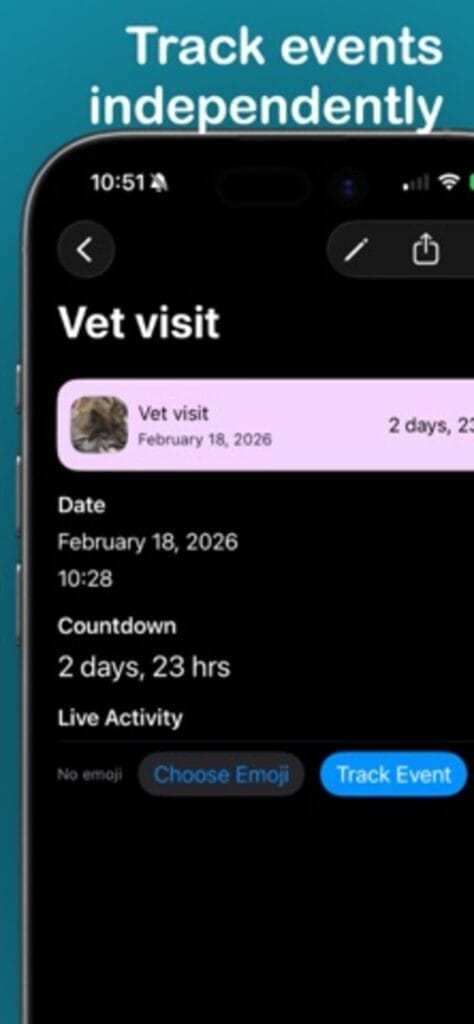
Create it in seconds, then stop thinking about it
Add an event, and the app handles the rest: a notification lands right when you need it, and the countdown sits on your home screen and lock screen widgets. The important dates stay in view without a calendar app’s ceremony around them.
Light on purpose
Event Tracker is built to feel native and stay small: create and manage events quickly, get reminded, glance at the widget. Whether you are counting down to something good or racing something due, the timeline stays clear.
The dates that cost money when you forget them
Birthdays and anniversaries are the ones people expect an app to hold. The dates that actually sting are quieter: a passport or visa expiring, a warranty window about to close, a free trial that turns into a charge on Friday, a permit or registration that lapses with no warning. Event Tracker keeps those next to the celebrations and counts every one of them down, so the expensive deadline gets as much warning as the party.
Set it once, then let the widgets carry it
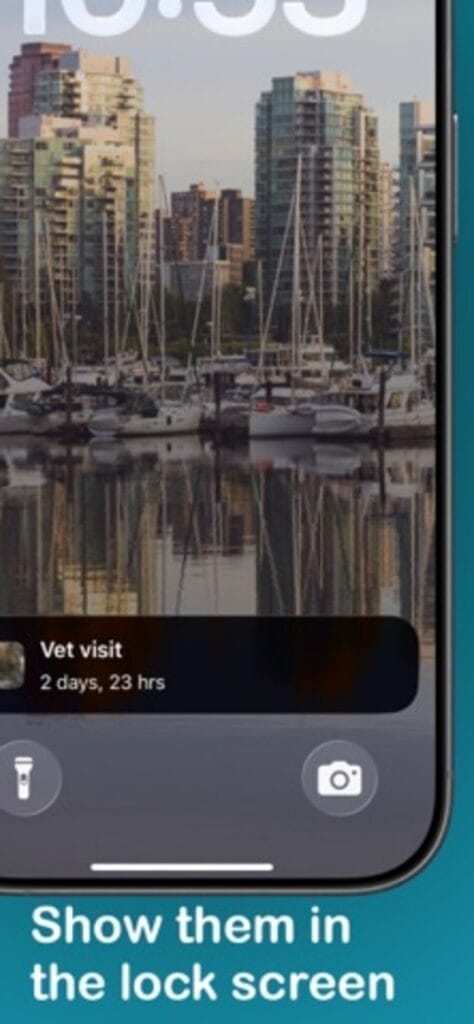
Adding an event is the last effort it asks of you. The home screen widget shows what is next without opening anything, the lock screen widget puts the closest date where your eyes land all day, and a notification arrives on the morning it matters. Keeping track of a date stops being a task and becomes something the phone handles quietly in the background.
A few practical questions
Is Event Tracker free?
Yes, free on the App Store.
Does it need an account or a connection?
Neither. It runs natively on iPhone, and your events stay on the device.
Can I see what is coming without opening it?
Yes. Add the home and lock screen widgets and your next events stay visible at a glance.
Tasks behind the dates live well in Lodgr. Recurring bills belong in Online Subscription Tracker. All apps.