
Group Expenses ends the who-owes-what argument
Add each expense in seconds, choose who paid and who owes, and let the balances work themselves out.

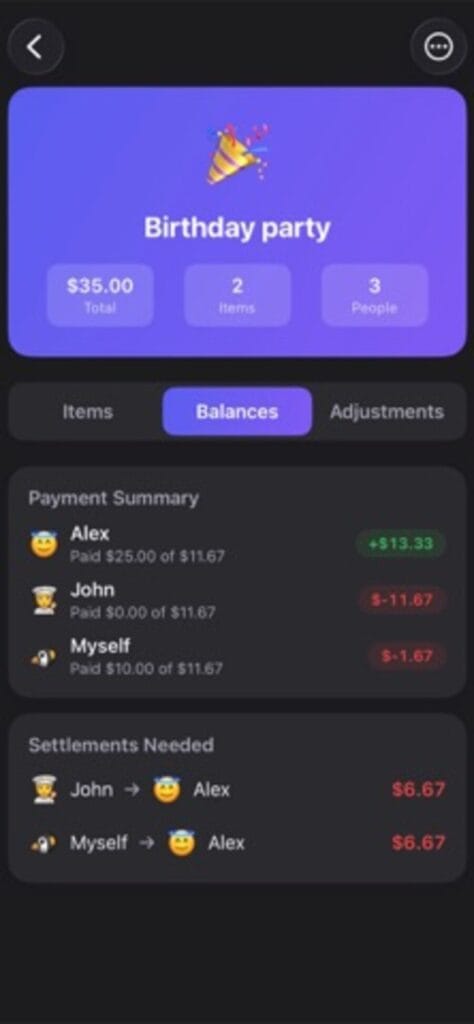
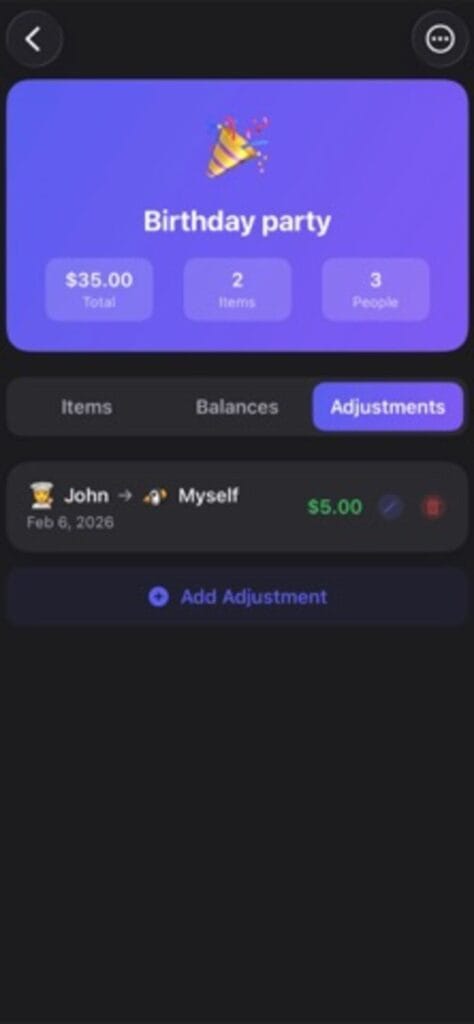
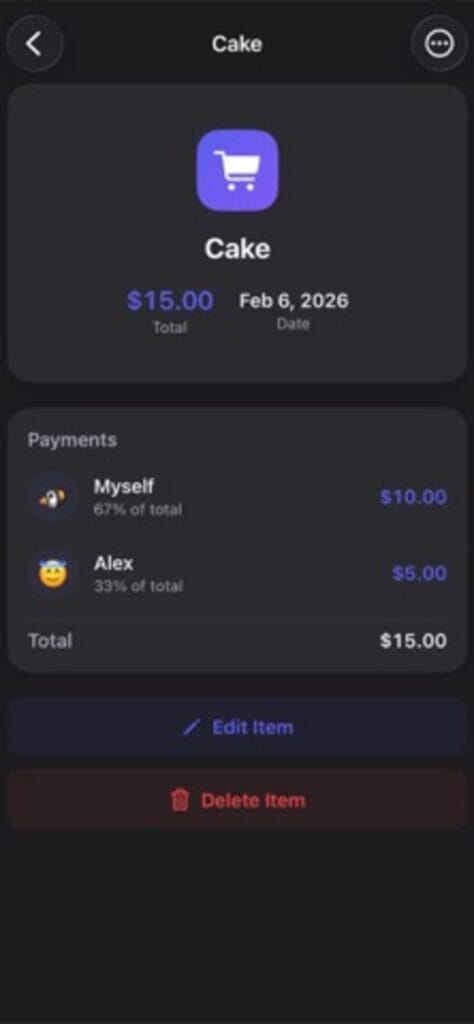
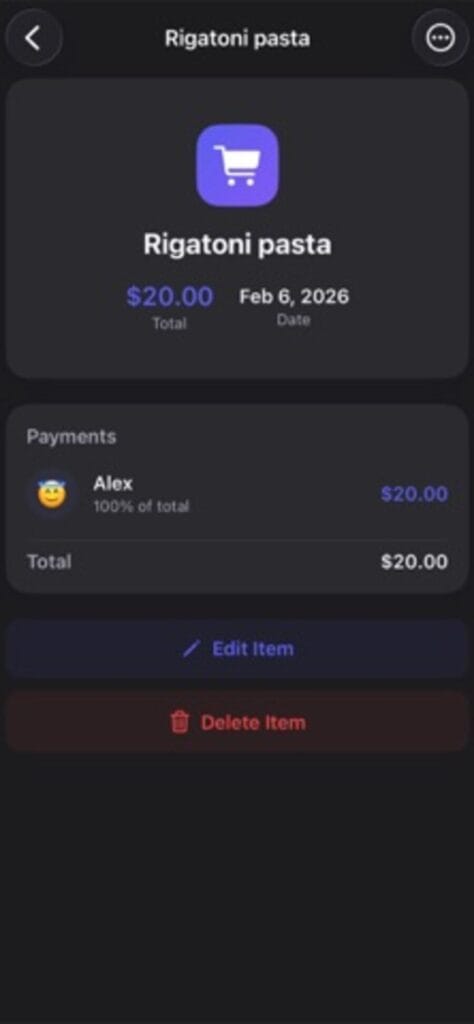
Built for trips, dinners, and events
Someone books the cabin, someone buys groceries, someone covers gas, and by day three nobody remembers who is ahead. Track it as you go instead: each expense takes seconds to add, split equally or with custom amounts per person, and the app keeps every cost of the trip in one place.
Balances with no spreadsheet
At any moment you can see exactly who owes what. The math is automatic, so settling up at the end is a glance and an e-transfer, not an evening with a calculator.
Private and offline friendly
Everything stays on your device, and expenses can be added with no connection, which matters exactly where group trips happen. Stop arguing about money and get back to the trip.
The trips this quietly saves
The cabin weekend where one person fronts the booking and everyone means to sort it later. The group dinner where the bill lands and nobody wants to be the accountant. The bachelor trip, the family reunion, the shared flat’s grocery run. In each one the money gets messy not because anyone is dishonest but because nobody wrote it down. Group Expenses is the writing-down, done in seconds per expense, so the reckoning at the end is arithmetic the app already finished.
Fair when the split is not even
Not every cost divides cleanly. One person skipped the tasting menu, two shared a room while three did not, someone covered the whole tank of gas. Custom amounts per person handle the uneven cases, and the running balance updates so you always know who is ahead and who is behind without opening a spreadsheet.
A few things people ask
Does it work offline?
Yes. Expenses can be added with no connection, which is exactly where group trips tend to happen, and everything stays on your device.
Can it handle unequal splits?
Yes. Split equally or set a custom amount for each person on any expense.
Is it free?
Yes, free on iPhone.
At the restaurant table, TippyTippy handles the tip. Abroad, Currency Exchange Offline handles the exchange math. All apps.