
SplitLay turns one picture into a feed-wide statement
Build a collage, split it into a numbered grid, post in order, and your profile joins the tiles into one big image.

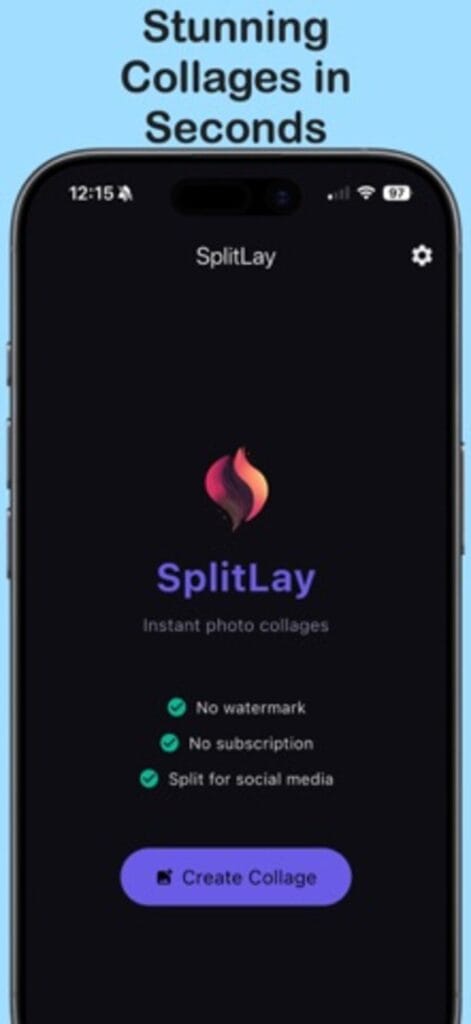
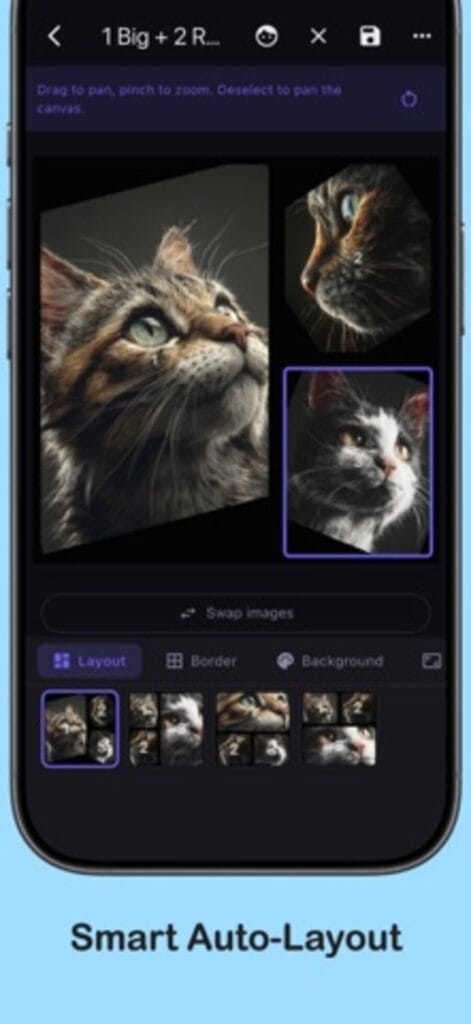
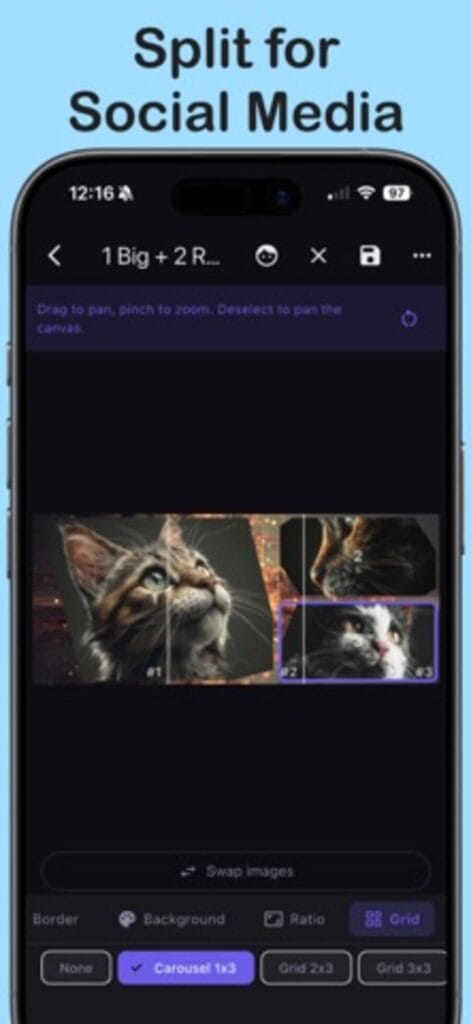
Made for the feed, not just a square
Most collage apps stop at a single image. SplitLay’s grid split slices any layout into numbered tiles, 3×1, 2×2, 3×3 and larger, and shows how the pieces line up before you publish. Post them in sequence and they form a seamless panorama, carousel, or full profile reveal.
Smart enough to skip the fiddling
Pick your photos and get a ranked set of layouts instantly, with the best arrangements chosen for you and any alternative one tap away. Face detection positions each photo so nobody gets cropped out at the neck, and smart crops keep the point of every shot in frame.
Control when you want it
Pan, zoom, and rotate photos inside their slots, swap two photos in a tap, and tune gaps, padding, corner radius, and backgrounds. Aspect ratios cover every feed: square, 4:5, 3:4, 2:3, tall 9:16, and wide 16:9. Save a favorite look as a preset and reuse it.
Full resolution, no watermark, no subscription
Exports go to your gallery at full quality with no compression surprises and no watermark, ever. The app is free; a single one-time purchase removes ads, and that is the whole business model. Available in 35 languages.
I photograph portraits for a living, so the crops had to respect faces. That rule is built into the app. If you are curious about the photography, it lives here.
Shooting on film? The Film Friend is the darkroom companion. Prompt-crafted images? PromptVault keeps the prompts. All apps.