
Every engineering unit, converted as you type
Length, pressure, torque, density, energy, electrical units and more, with precision fit for professional work. Fully offline.

Built for the job site and the lab
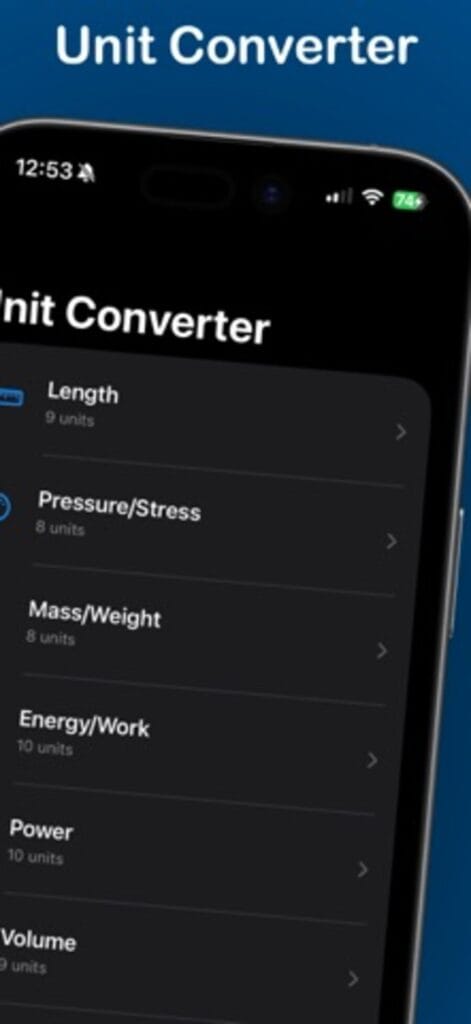
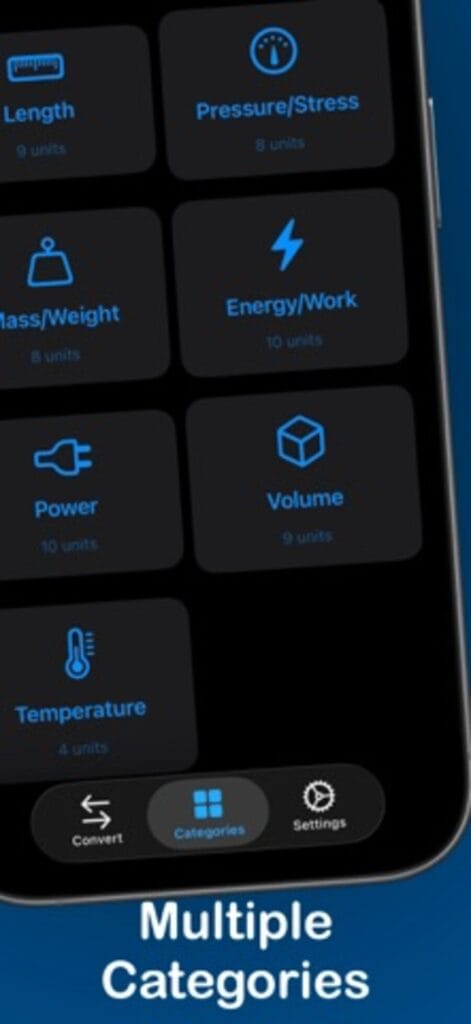
Categories cover the units engineers actually fight with: length, volume, mass and density, force, pressure and stress, energy, power and torque, temperature in Celsius, Fahrenheit, Kelvin and Rankine, and electrical units from voltage and current to resistance and capacitance.
Precision you can put in a report
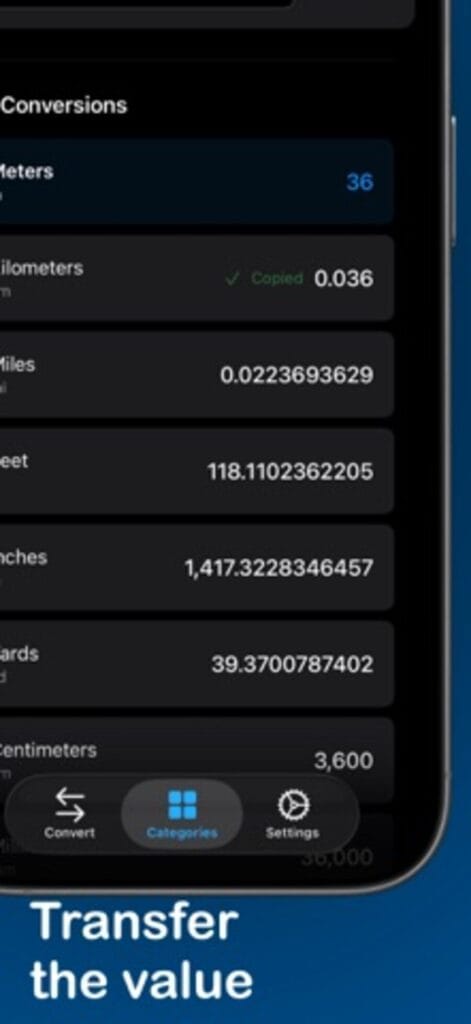
Results update in real time as you type, with scientific notation and decimal precision suited to professional use. One tap switches units, and nothing needs a connection, so it works in the basement mechanical room and on the remote site equally well.
Who it serves
Mechanical, electrical, civil, and chemical engineers, students working through problem sets, technicians in the field, and anyone who refuses to trust a random website with a stress calculation.
The categories, and why the list is the point
Length and volume are table stakes. The reason this one earns a spot on a working phone is the rest: mass and density, force, pressure and stress, energy, power and torque, temperature across Celsius, Fahrenheit, Kelvin and Rankine, and the electrical set from voltage and current through resistance and capacitance. These are the units that turn up in a spec sheet or a homework problem and send you hunting for a reliable conversion. Having them in one offline app removes the hunt.
Precision that survives a second look
Results update as you type, with scientific notation and decimal precision meant for professional use rather than a rough estimate. One tap swaps the direction of a conversion, and none of it needs a connection, so the basement mechanical room and the remote site with no reception both work the same.
Questions from people who use converters
Does it work with no signal?
Yes, entirely offline. Every category converts on the device.
Is the precision good enough for real work?
It supports scientific notation and decimal precision suited to professional and academic use, not just a ballpark.
What does it cost?
It is free on iPhone.
For the kitchen version of this problem, Cooking Units. For money instead of megapascals, Currency Exchange Offline. All apps.